Notifications
Clear all
Inventory
1
Posts
1
Users
0
Reactions
249
Views

Topic starter
18/09/2024 7:15 pm
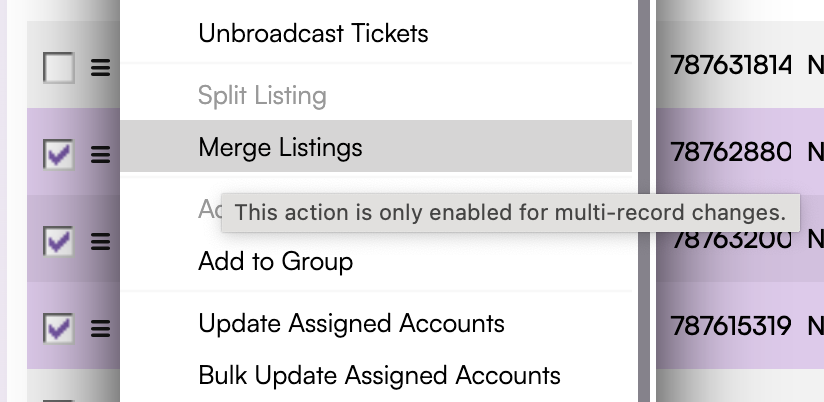
You may have multiple listings that you want to sell under one listing. To merge listings with consecutive seats or groups of General Admission tickets you can use the Merge Listings Hamburger action from the Events or Listings pages.
In order to successfully merge listings, you will need to ensure that the listings you are attempting to merge are:
-
Unbroadcast
-
Same Event
-
Same Stock Type
-
Same Section and Row
-
Consecutive/odd-even/GA seats
- *Partially Attached Barcodes/PDFs will not be eligible for merge
This topic was modified 2 years ago 4 times by Regan O'Brien